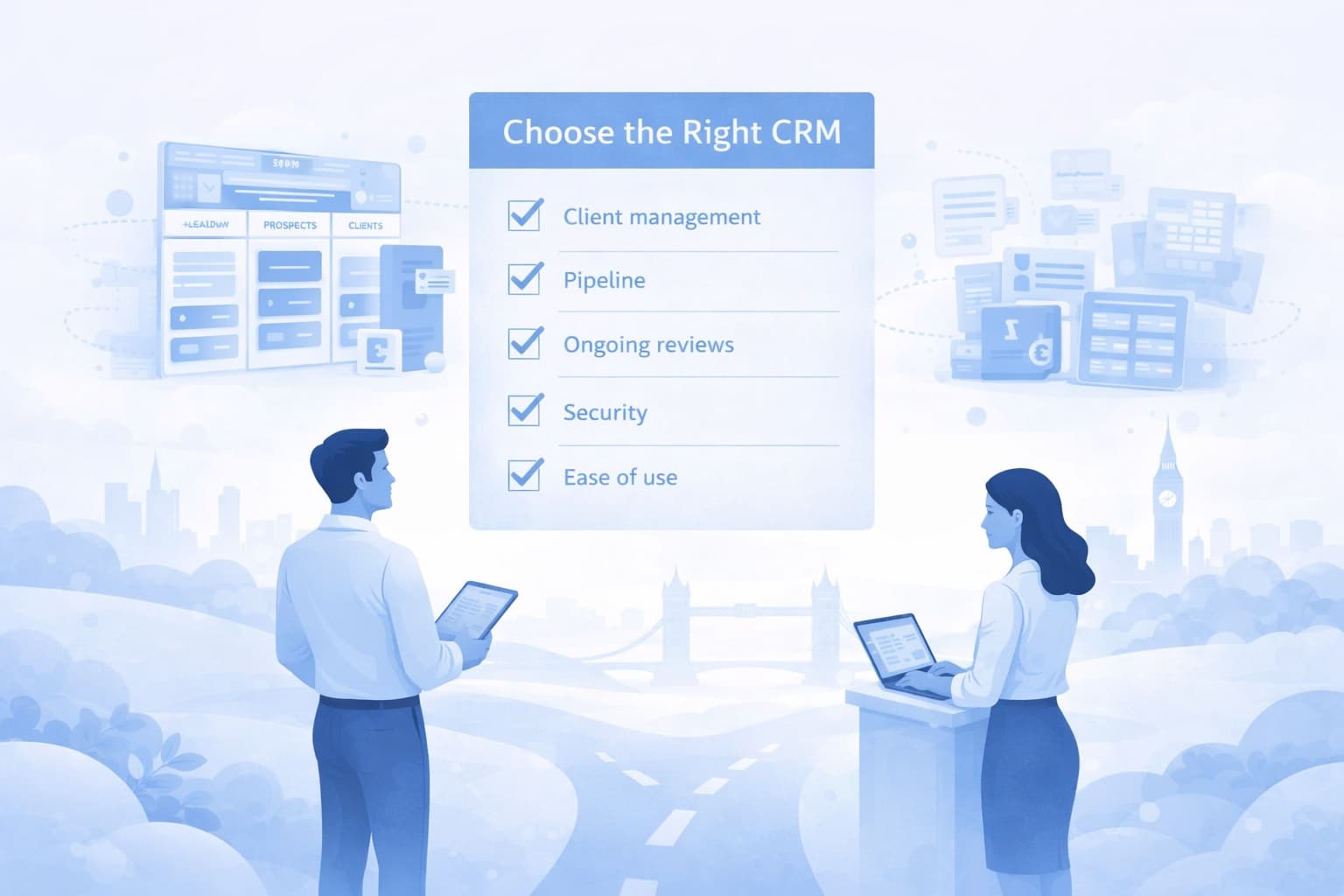
Choosing a CRM is one of the more consequential technology decisions a financial advice firm makes. The right system supports your growth, keeps your records in order, and becomes part of how your firm operates. The wrong one creates friction, low adoption, and wasted budget.
This guide provides a practical framework for evaluating your options.
Exploring CRM options for your firm? Book a demo to see how Glimzer compares.
Start with your actual workflow
Before looking at features, map out how your firm actually works. Not how you'd like it to work in an ideal world, but what happens today:
- How do prospects find you? Referrals, website, events, other channels?
- What stages do they move through before becoming a client?
- Who is involved at each stage? Advisers, paraplanners, administrators?
- How do you manage ongoing clients? Annual reviews, ad hoc requests, servicing tasks?
- What records do you keep and where do they currently live?
The answers to these questions define what you need from a CRM. A system that matches your workflow will be adopted. One that forces you to change how you work will be resisted.
Evaluate against the things that matter
Does it understand financial advice?
A CRM built for UK financial advisers should come with pipeline stages, client fields, and workflows that make sense for advice firms. If you need to spend weeks configuring the system before it reflects your process, that's a sign it wasn't built for you.
Does it handle compliance records?
FCA-regulated firms need to maintain records of client interactions, decisions, and advice. Your CRM should produce audit trails and time-stamped records as a natural part of everyday use, not as an extra step.
Be cautious of systems that claim to "ensure compliance." No CRM can guarantee regulatory outcomes. What it can do is support your compliance processes with the right record-keeping tools.
Where is the data stored?
For UK advice firms, data residency matters. Ask where the CRM stores your data, whether it's encrypted at rest and in transit, and what security certifications the hosting provider holds.
Glimzer stores all data in UK-based data centres with AES-256 encryption and does not transfer data outside the UK unless explicitly agreed.
Is the pipeline management fit for purpose?
If growing your client base is important, your CRM needs strong pipeline management. Look for:
- Visual pipeline view with clear stage progression
- Task management with automated reminders
- Contact management linked to pipeline activity
- Reporting on conversion rates and pipeline coverage
Does it support ongoing servicing?
For firms that manage ongoing client relationships, the CRM should also handle client servicing and annual reviews. This means scheduling reviews, tracking completion, and maintaining a full record of each client interaction over time.
Will your team actually use it?
This is the most underrated criterion. A CRM is only valuable if your team uses it consistently. During your evaluation:
- Ask for a demo with realistic scenarios, not a sales pitch
- Involve the people who will use it daily, not just the decision-maker
- Check the user interface for clarity and ease of navigation
- Ask about onboarding support and how long it takes to get up and running
Create a shortlist
Based on your requirements, create a shortlist of two to three options. The market for UK advice firms ranges from generic CRMs that need heavy customisation to platforms built specifically for the advice process. When comparing options, focus on how much of what you need works out of the box — pipeline management, client servicing, compliance records, and team workflows — versus what requires configuration or third-party add-ons.
Avoid being drawn in by feature lists alone. A platform that covers fewer functions but does them well for advice firms will usually outperform a broader system where the features you actually need are an afterthought.
Run a structured evaluation
For each option on your shortlist:
- Book a demo focused on your specific workflow
- Ask about data migration from your current system
- Understand the pricing model — per user, per firm, setup fees, hidden costs
- Check the contract terms — minimum commitment, cancellation, data export
- Ask for references from firms similar to yours
Consider the total cost
The sticker price is only part of the equation. Factor in:
- Setup and configuration time
- Training for your team
- Ongoing maintenance or customisation
- Cost of switching if it doesn't work out
A system that costs more per user but works out of the box may be cheaper overall than a bargain option that needs months of configuration.
Mortgage and protection firms should evaluate whether the system handles their specific workflows. A CRM designed for mortgage and protection advisers should support high-volume case tracking with configurable stages for different case types.
Choosing a CRM isn't a one-afternoon decision. Take the time to understand your requirements, evaluate properly, and involve your team. The right choice will pay for itself in productivity, consistency, and peace of mind.
Ready to evaluate Glimzer? Book a demo and we'll walk you through the platform based on your firm's specific needs.